
After locating an image that has public layers available, to access the layers:
- Confirm that you are logged in
- Click the thumbnail of the image of choice to load the information panel on the right-hand side
- Click VIEW IMAGE or the thumbnail image to open the image
- On the left-hand side information panel, layers are divided into sections, 1) layers owned by each member and 2) public layers 3) questions. The public layers section is hidden by default.
- Click the dropdown arrow next to public layers to reveal all available public layers.
- Click the title of the public layer you wish to view. This will load the layer and will automatically reveal all annotations.
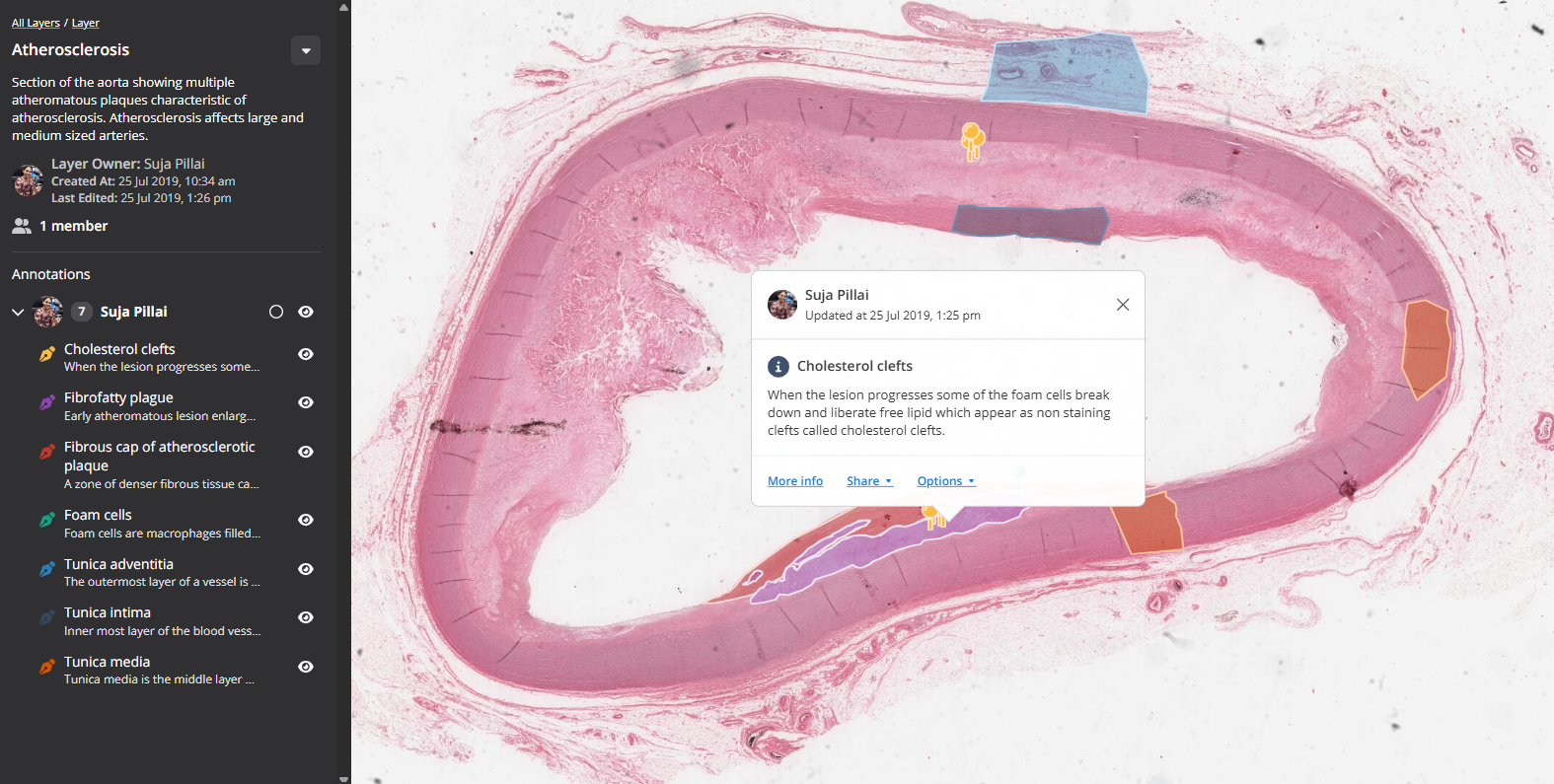
Example public layer focusing on the microscopic features of Atherosclerosis - link